Mobile Games
Games that work properly on a phone, which is a lower bar than it should be and a higher one than most browser catalogues clear. Everything here is touch-first: tap and drag rather than keyboard, comfortable target sizes, and layouts that fit a portrait screen without pinching. Add the site to your home screen and it launches fullscreen, no app store involved.
Mobile Games, ranked
Ordered by editorial picks first. This list is generated from the provider catalogue and changes when the cached feed is refreshed.
A note on this order: we do not track what you or anyone else plays, so this is not a play-count ranking. It follows the publisher's own catalogue ordering, weighted toward recent releases. We would rather tell you that than invent numbers to justify a list.
 1
1Dinosaur Park Jurassic Dino World
Action Games
 2
2Rolling Football
Sports Games
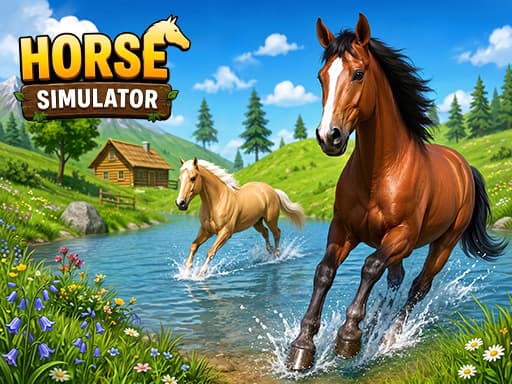 3
3Wild Horse Simulator Racing Games
Racing Games
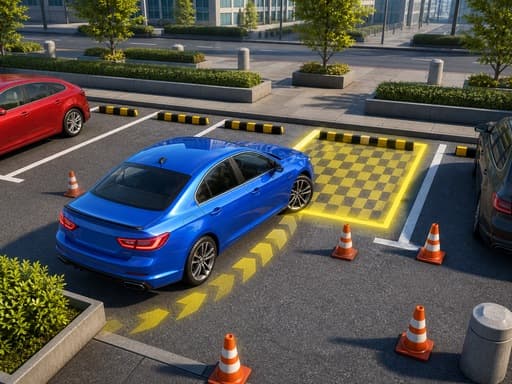 4
4City Parking Master 3D
Racing Games
 5
5Go Find The Cake
Puzzle Games
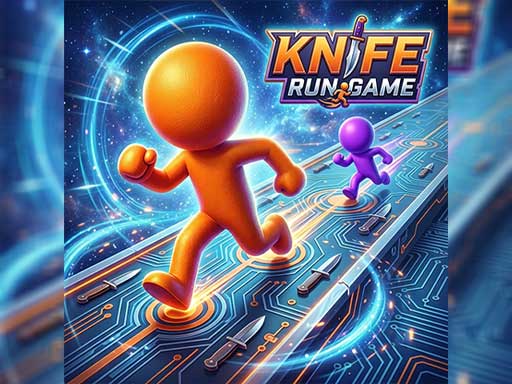 6
6Knife Run Game
Adventure Games
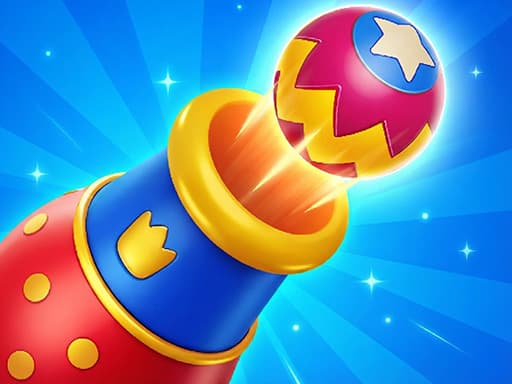 7
7Royal Smash Puzzle Game
Puzzle Games
 8
8FruitBattle
Shooting Games
 9
9Color Brick Battle
Hypercasual Games
 10
10Mice Rush
Hypercasual Games
 11
11Lucy: Makeup and Dress up
Girls Games
 12
12Sportix
Hypercasual Games
 13
13Blastix
Hypercasual Games
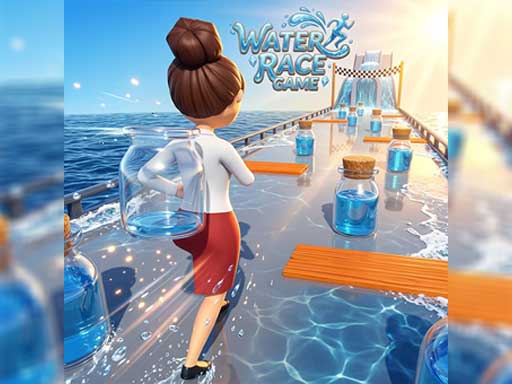 14
14Water Race Game
Puzzle Games
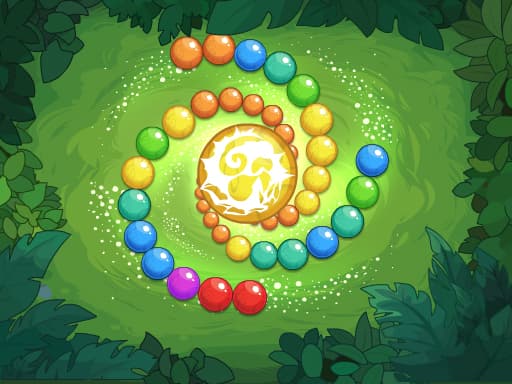 15
15Zuma Boom 2
Puzzle Games
 16
16Upgrade the CARS
Racing Games
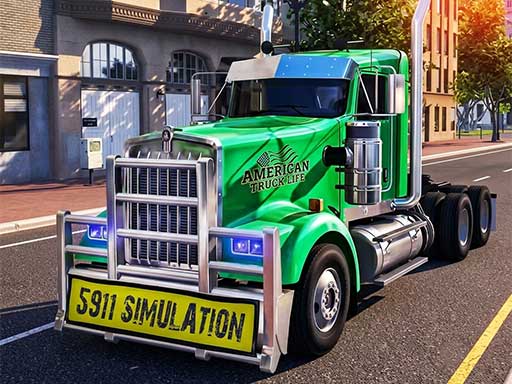 17
17US Truck Game
Racing Games
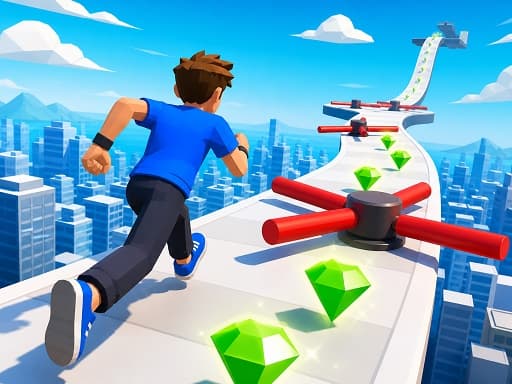 18
18Car Stunt Master 3D
Racing Games
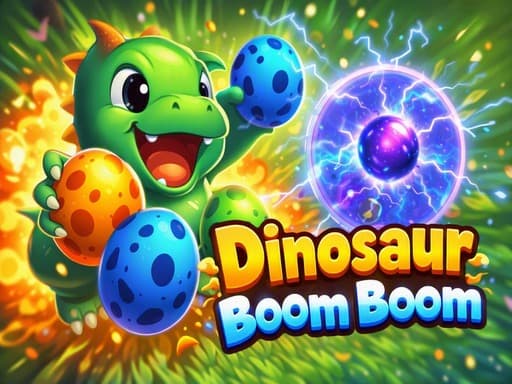 19
19Dinosaur Boom Boom
Puzzle Games
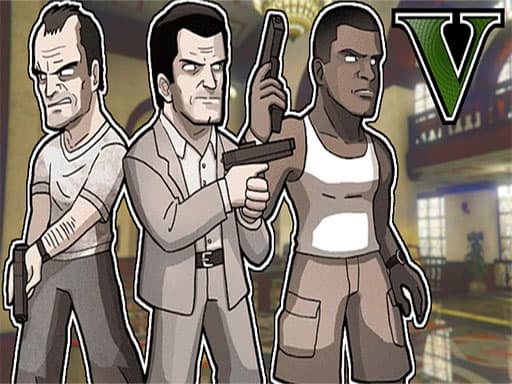 20
20gangster v
Adventure Games
 21
21Tractor Farm: Farming Simulator
Adventure Games
 22
22Trump Wall Building
Puzzle Games
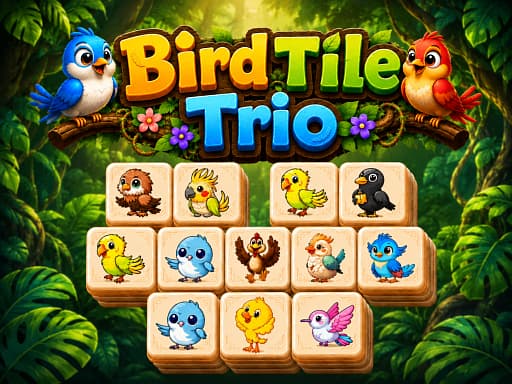 23
23Bird Tile Trio
Puzzle Games
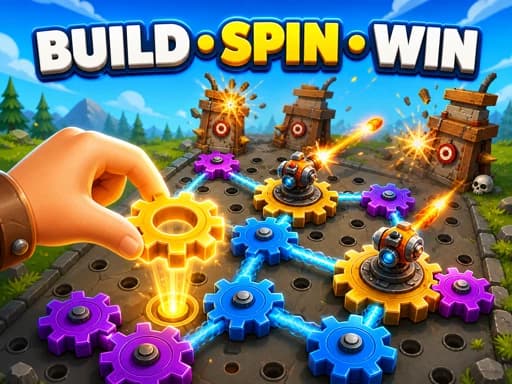 24
24Gear Fight
Arcade Games
Which genres suit a phone best
Tile matching, bubble shooters, solitaire and connect-style games are the standouts — the core gesture is a tap or a drag, which is exactly what a touchscreen is good at. Games built around precise timing or keyboard control are better on a desktop, and we say so on the individual game pages.
Install it to your home screen
This site is a progressive web app. Adding it to your home screen from your browser's share menu gives you a fullscreen, chrome-free launcher that behaves like a native game app, without downloading anything or granting an app any permissions.
New in these genres
Beyond the ranked list — the most recent additions from the same genres.
 New
NewFuseSmash
Hypercasual Games
 New
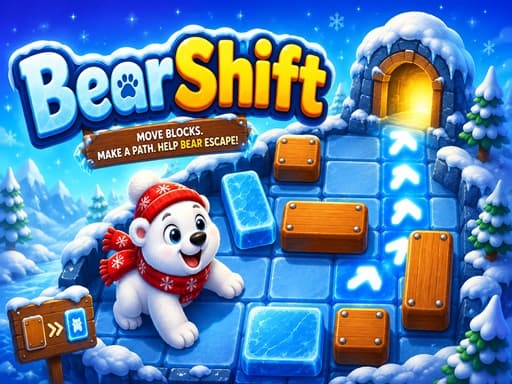
NewBearShift
Puzzle Games
 New
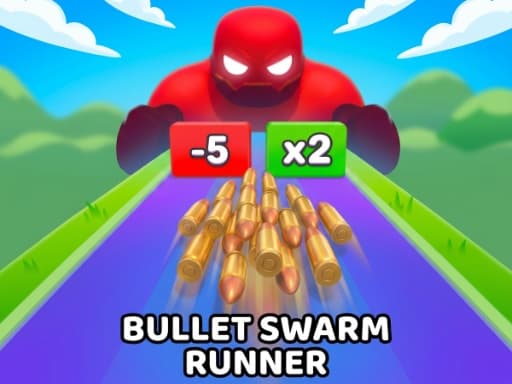
NewBullet Swarm Runner
Arcade Games
 New
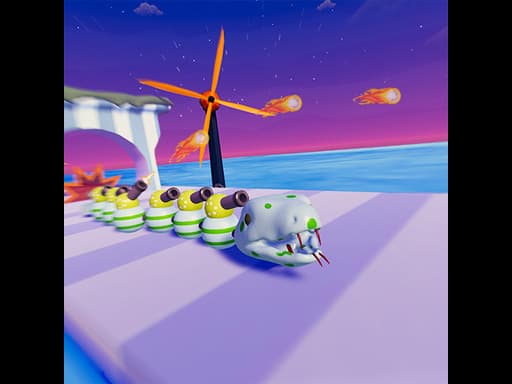
NewSnake Run: Eat & Grow
Adventure Games
 New
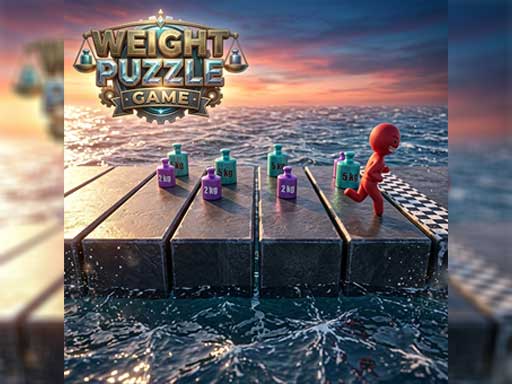
NewWeight Puzzle Game
Puzzle Games
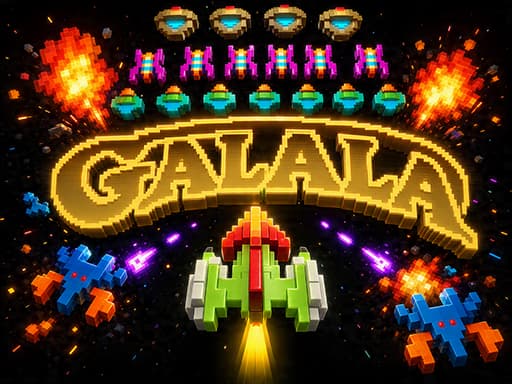 New
NewGalala
Shooting Games
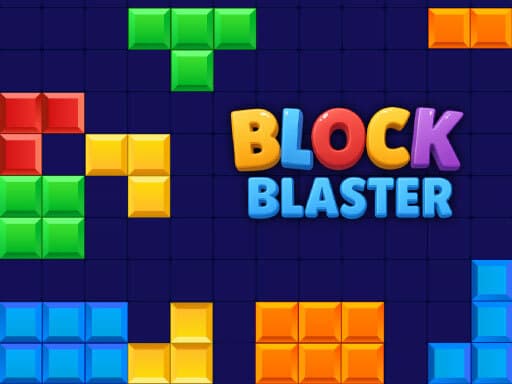 New
NewBlock Blaster
Puzzle Games
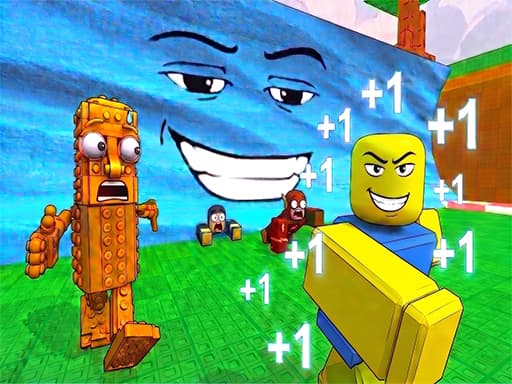 New
NewObby Tsunami Runner
Multiplayer Games
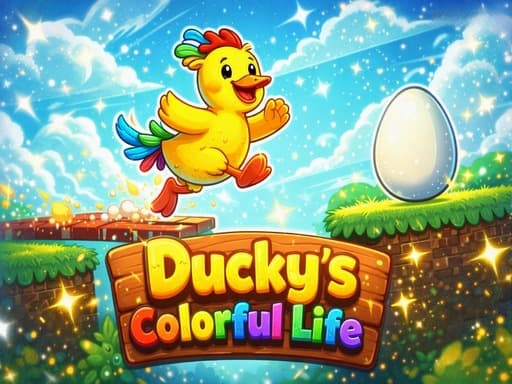 New
NewDuckys Colorful Life
Puzzle Games
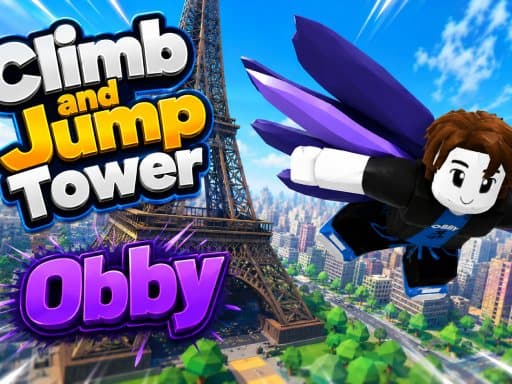 New
NewObby Climb and Jump Tower
Adventure Games
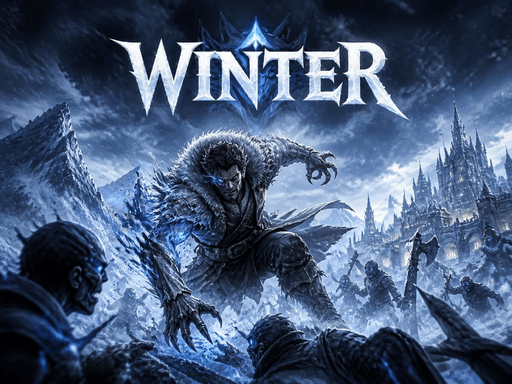 New
NewWinter: Cold Wind
Adventure Games
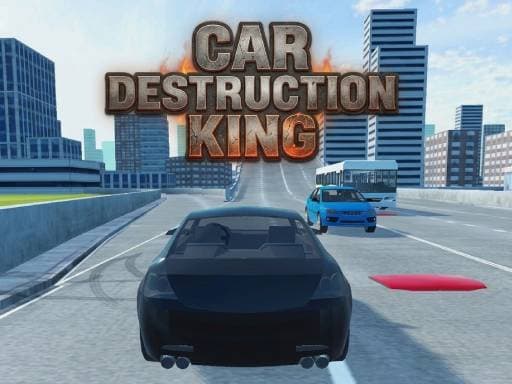 New
NewCar Destruction King
Racing Games
 New
NewPerfect Landing, Plane Pilot
Hypercasual Games
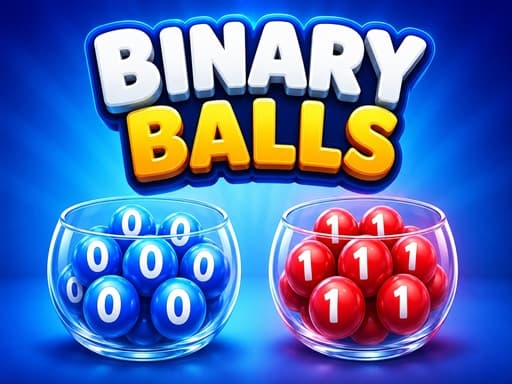 New
NewBinary Balls
Hypercasual Games
 New
NewSweetFlip
Puzzle Games
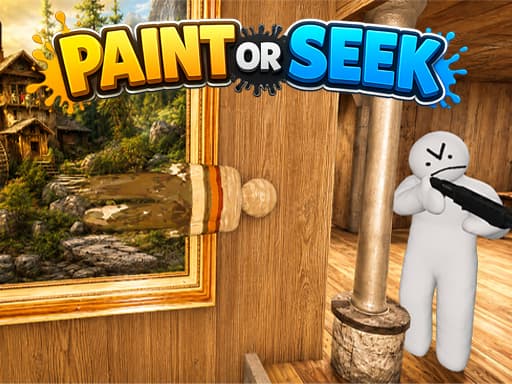 New
NewPaint or Seek: Chameleon Hide Online
Multiplayer Games
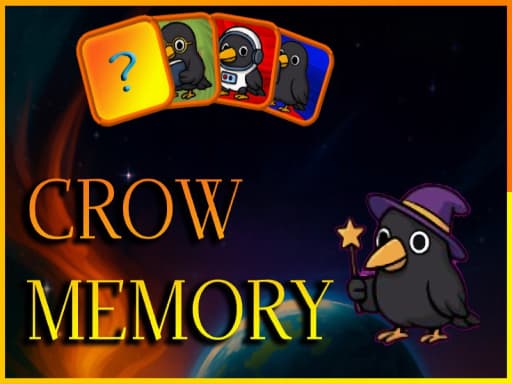 New
NewCrow Memory
Hypercasual Games
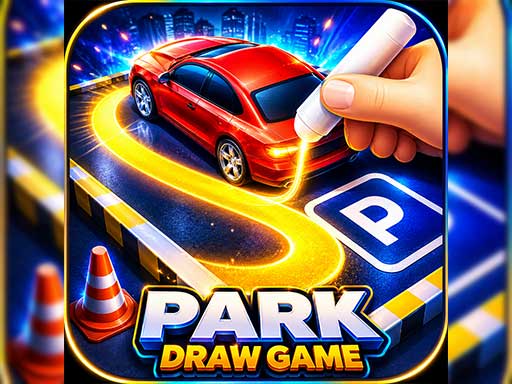 New
NewPark Draw Game
Puzzle Games
Browse these genres
- Puzzle GamesThink it through, one move at a time11761 games
- Arcade GamesOne more go, every time4955 games
- Racing GamesCars, bikes, trucks and the line through the corner2540 games
- Action GamesFast hands, quick decisions1190 games
- Adventure GamesExplore, collect, work out what happens next2325 games
- Shooting GamesAim, react, hold the line2054 games
- Sports GamesBasketball, pool, golf, boxing and more1143 games
- Hypercasual GamesOne rule, one finger, instantly clear4501 games
- Girls GamesDress up, makeover, style and salon3950 games
- Cooking GamesPrep, plate and serve before the queue turns151 games
- 2 Player GamesTwo people, one keyboard41 games
- Multiplayer GamesPlay against other people, right now348 games
Questions
- Can I install this as an app?
- Yes. Use "Add to Home Screen" in your mobile browser, or the install icon in a desktop browser's address bar. It launches fullscreen and remembers your favourites.
- Do the games work in portrait?
- Most do. Games with a wide native aspect ratio play better in landscape, and the player will prompt you to rotate when that is the case.